Will this break my right-click menu?
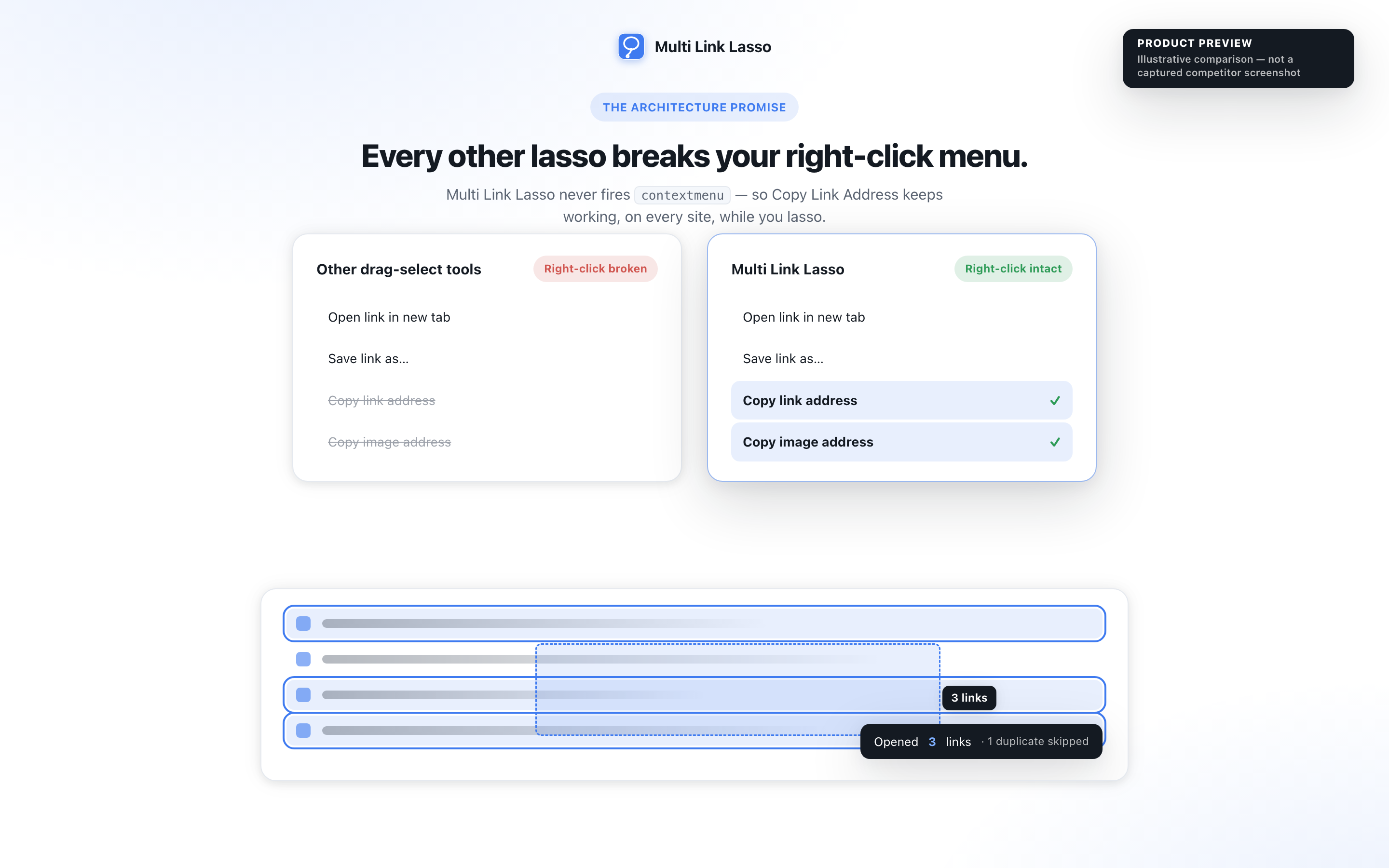
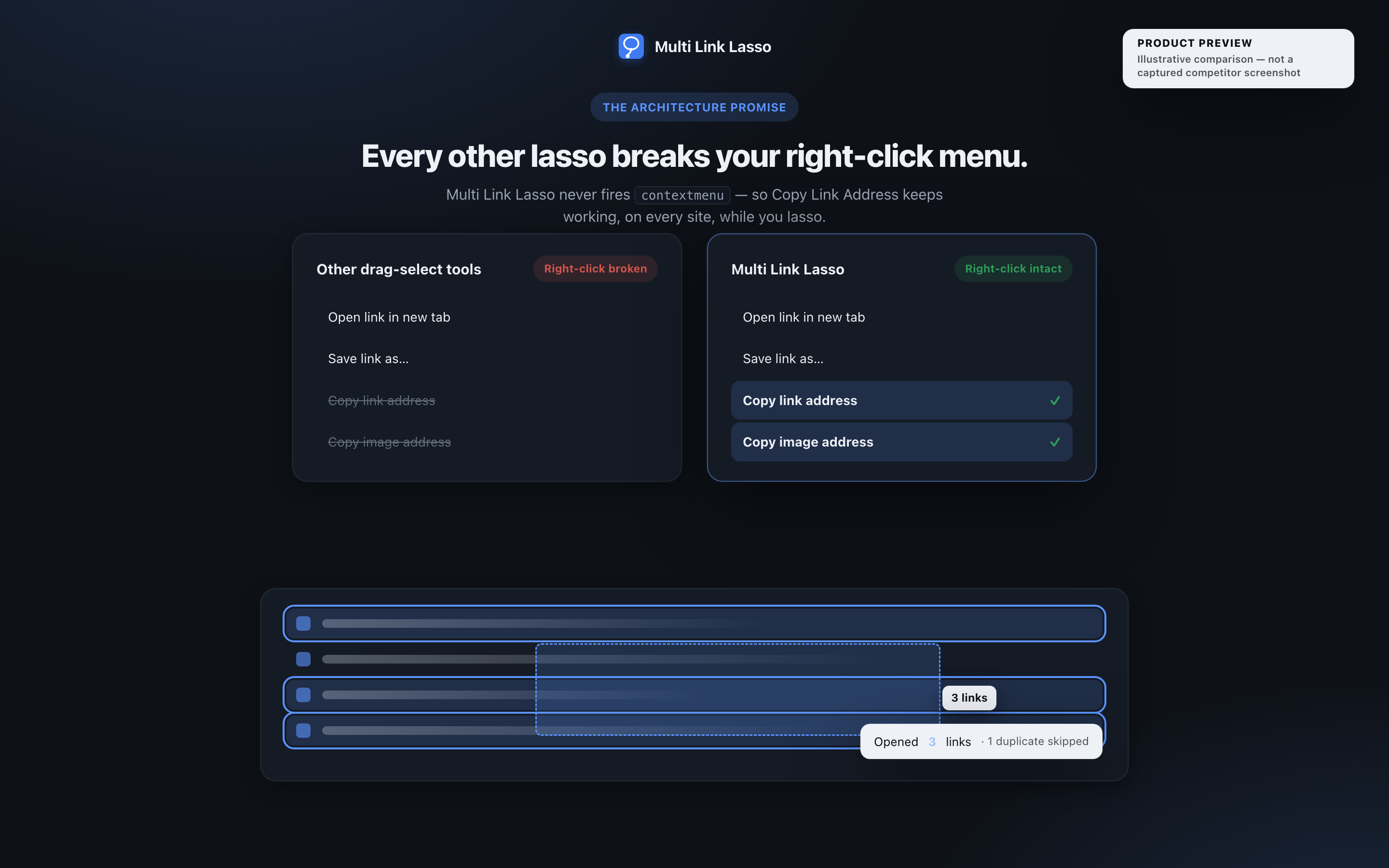
No, and that is the whole reason it exists. Linkclump and Grabbit detect a right-drag by canceling the browser's contextmenu event, which disables "Copy link address" and "Copy image address" across every site, Gmail included. Alt plus left-drag is a separate gesture, so contextmenu is never touched. There is an opt-in right-drag mode in Settings for people who prefer the old gesture, and it cancels the menu only during an actual drag.
What permissions does it want?
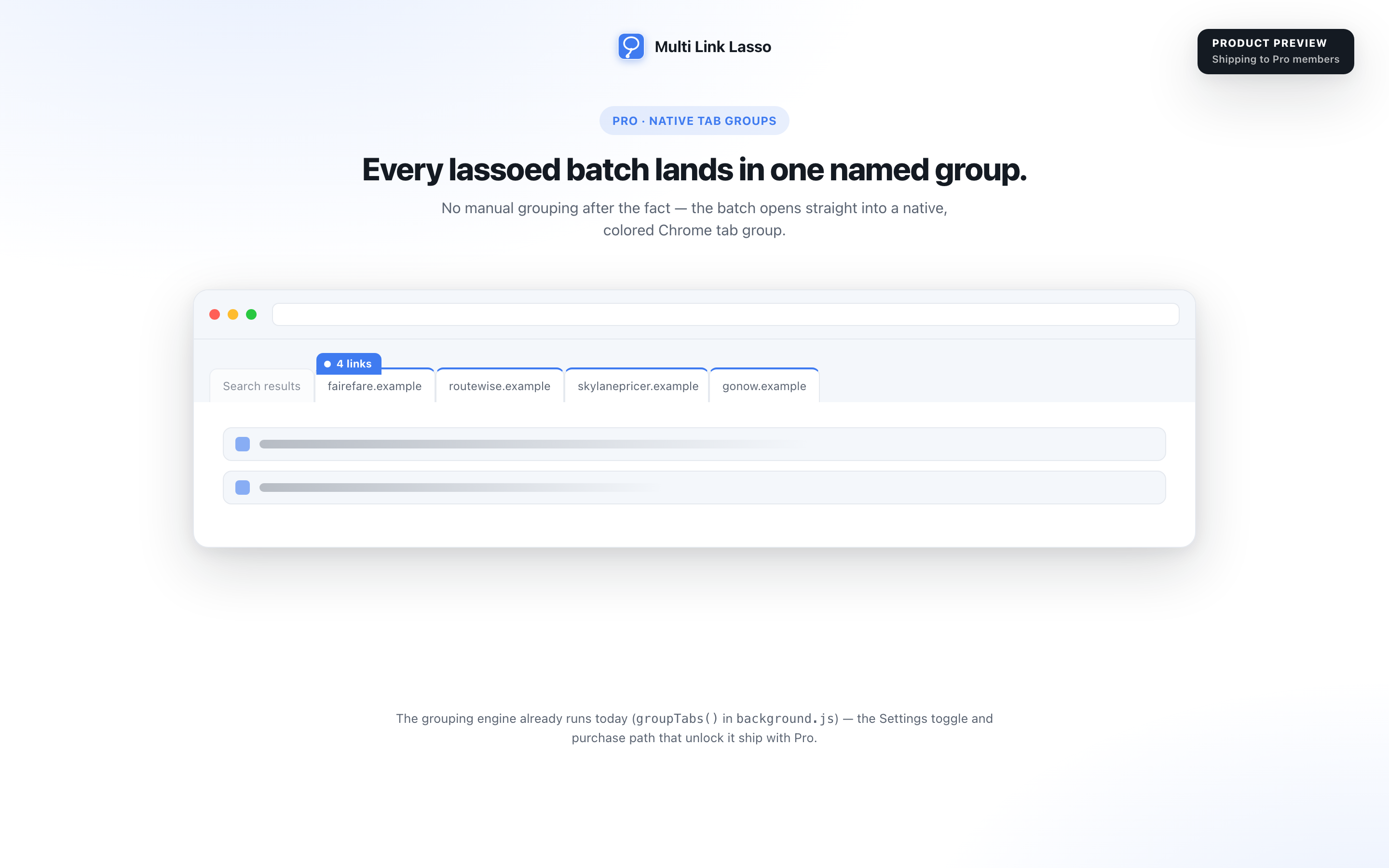
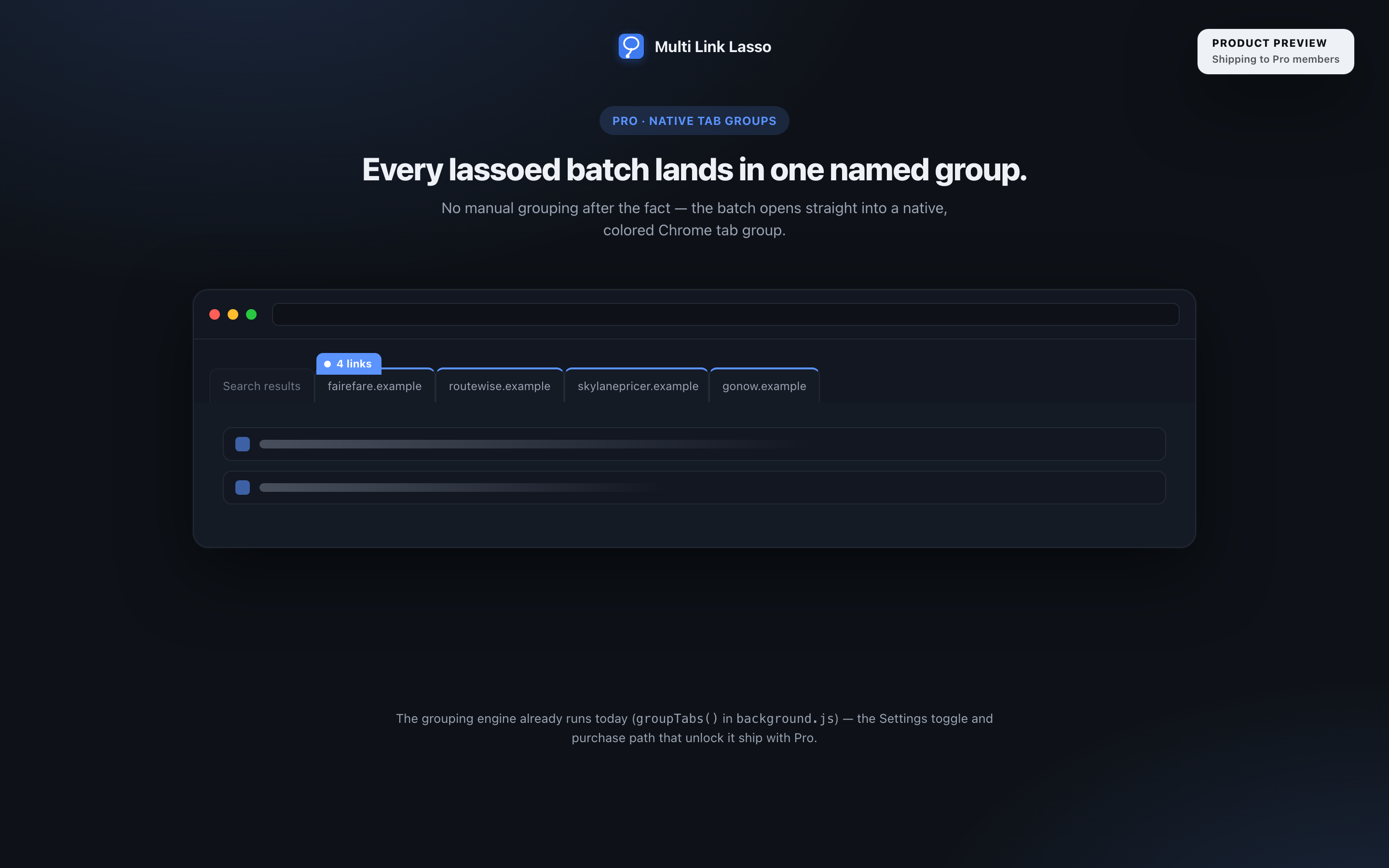
One: storage, for the seven free capabilities. That is the entire list a plain install ever needs. Opening and closing tabs the extension itself created needs no tabs permission, so even undo adds nothing. Native tab-group opening sits behind the Pro preview: switching it on there asks for tabGroups as an optional permission, and releases it the moment you switch it off, so nothing outside that preview ever touches tabGroups.
Does it send anything anywhere?
No. Everything happens right inside your browser, with no analytics and no tracking.
What happens if I lasso 40 links by mistake?
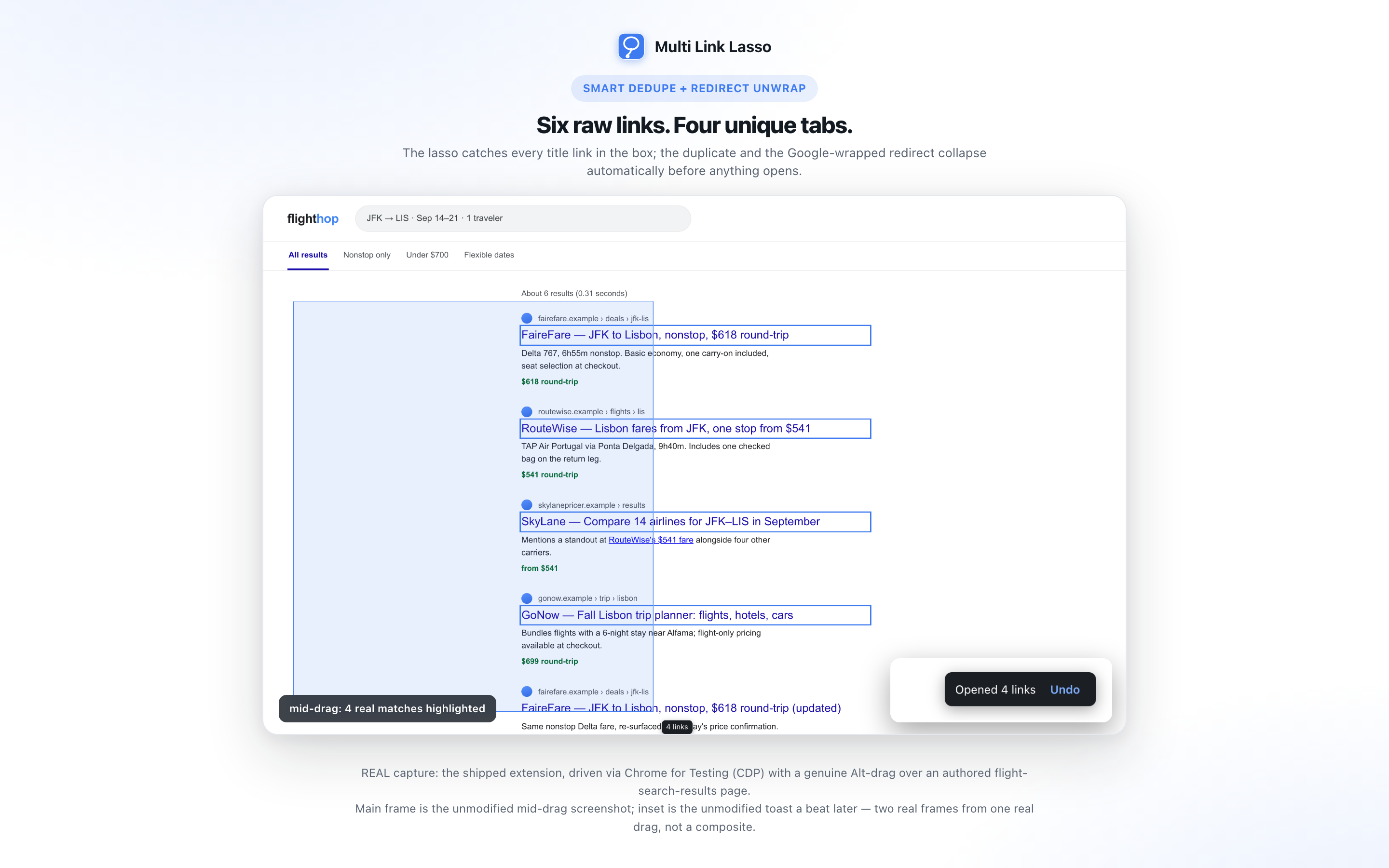
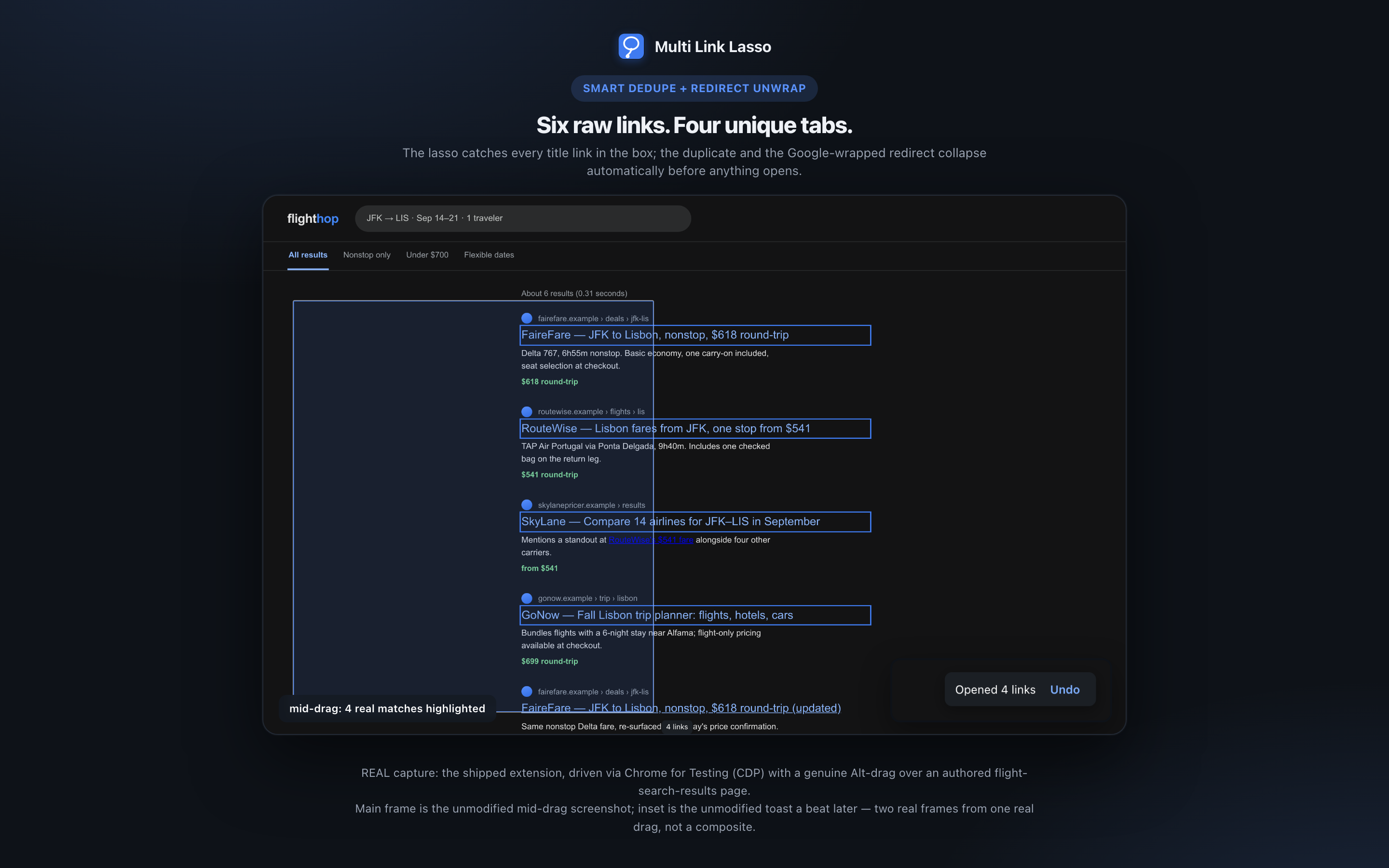
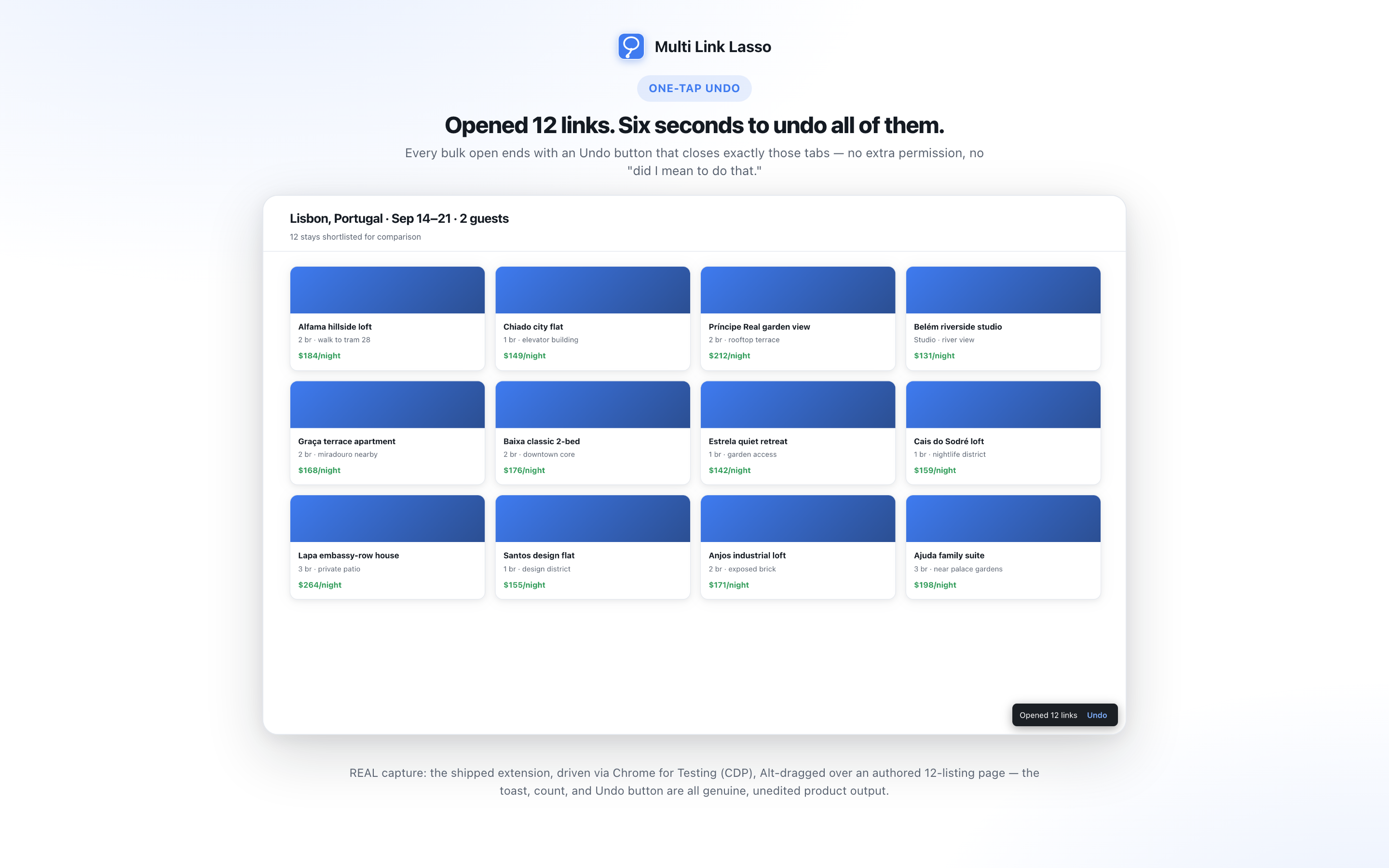
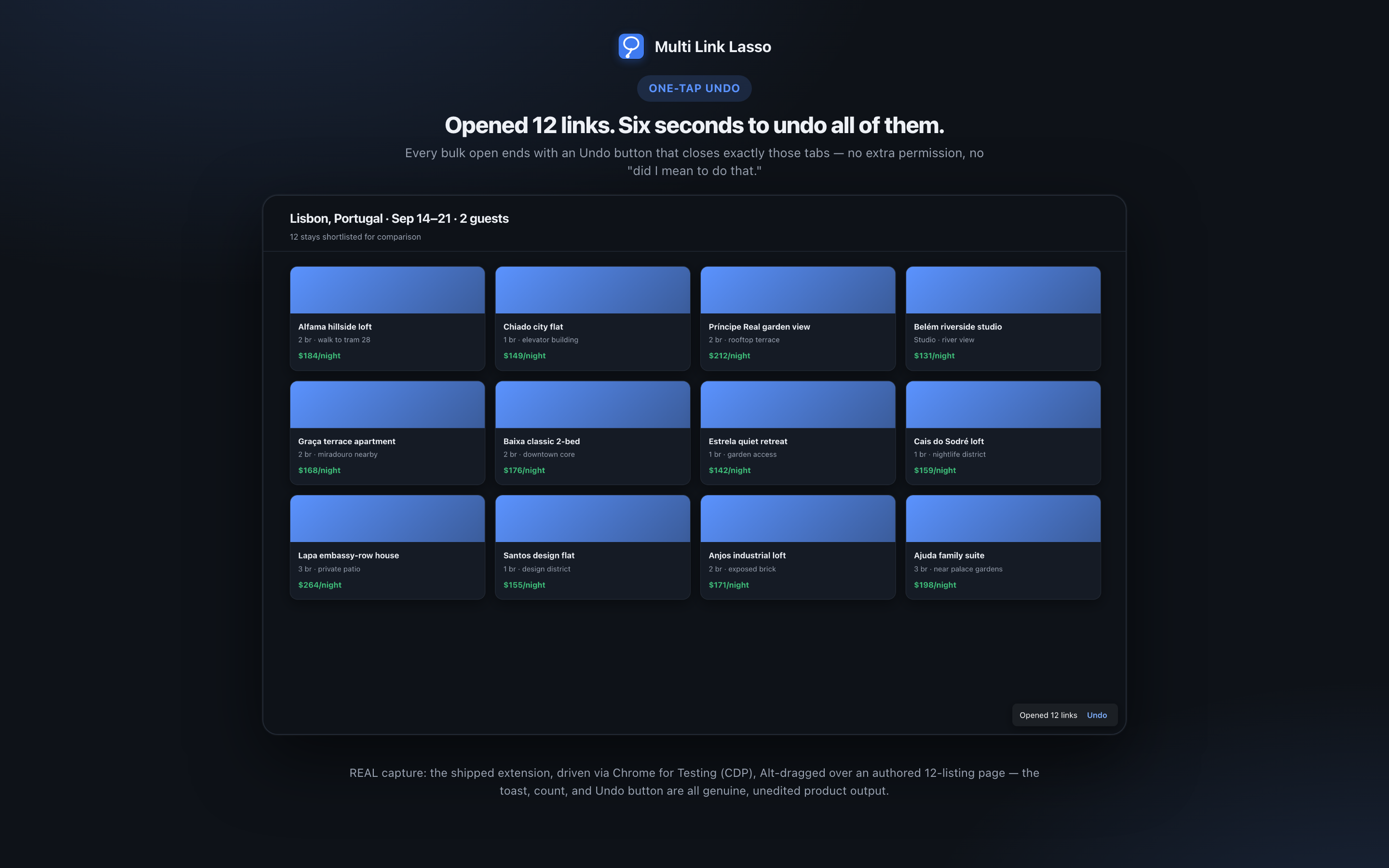
Every batch shows a toast with an Undo button for six seconds, and undo closes exactly the tabs that lasso opened and nothing else. Tabs you already had are untouched. Setting a minimum link count also stops a small stray drag from opening anything in the first place.
Can I get the links out as text instead of tabs?
Yes. Switch the action to copy in Settings. Releasing the lasso then writes the URLs to the clipboard as plain text, one per line, deduplicated and unwrapped to their real destinations, and opens no tabs at all.
Will bulk opening get my account flagged on a site?
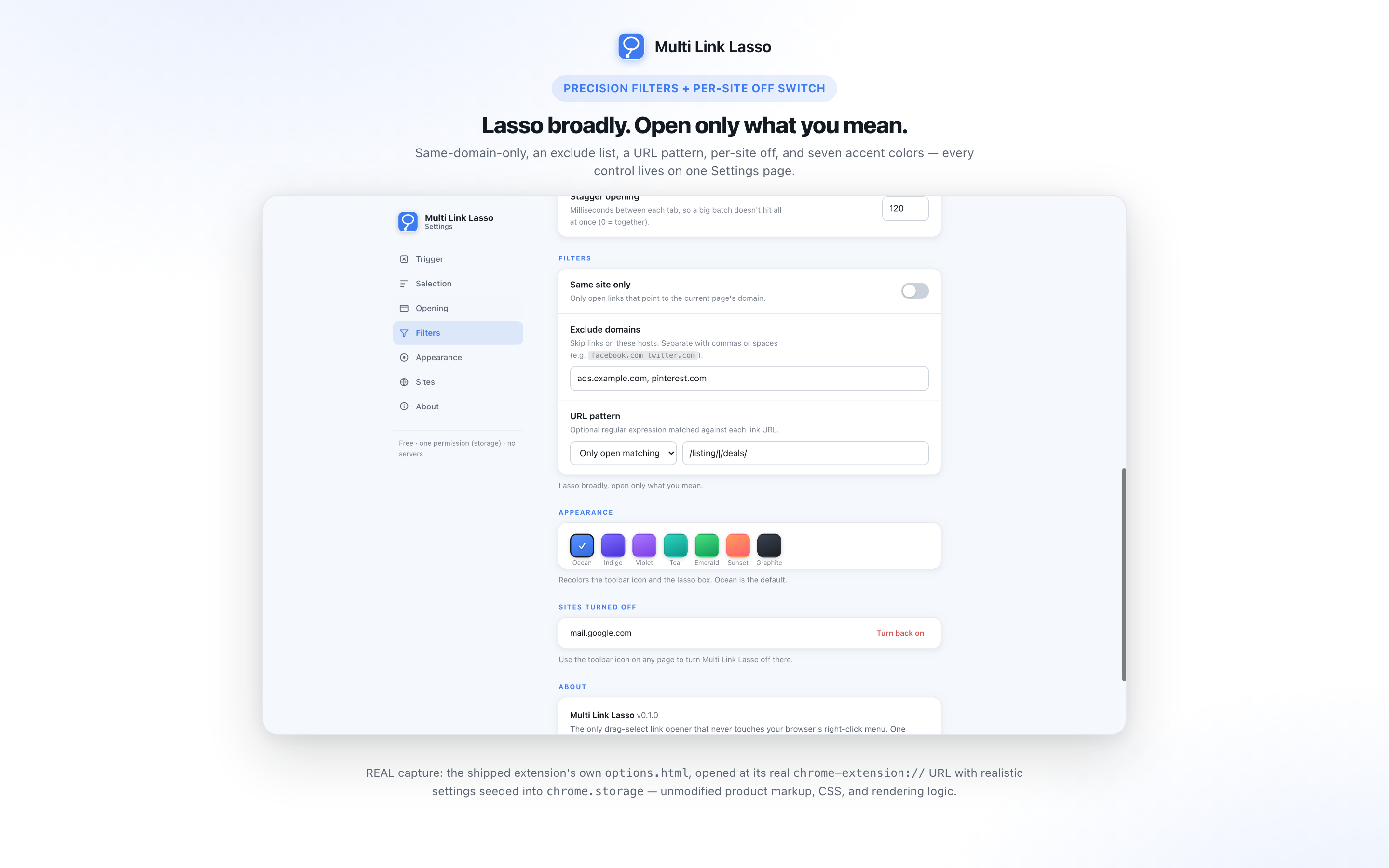
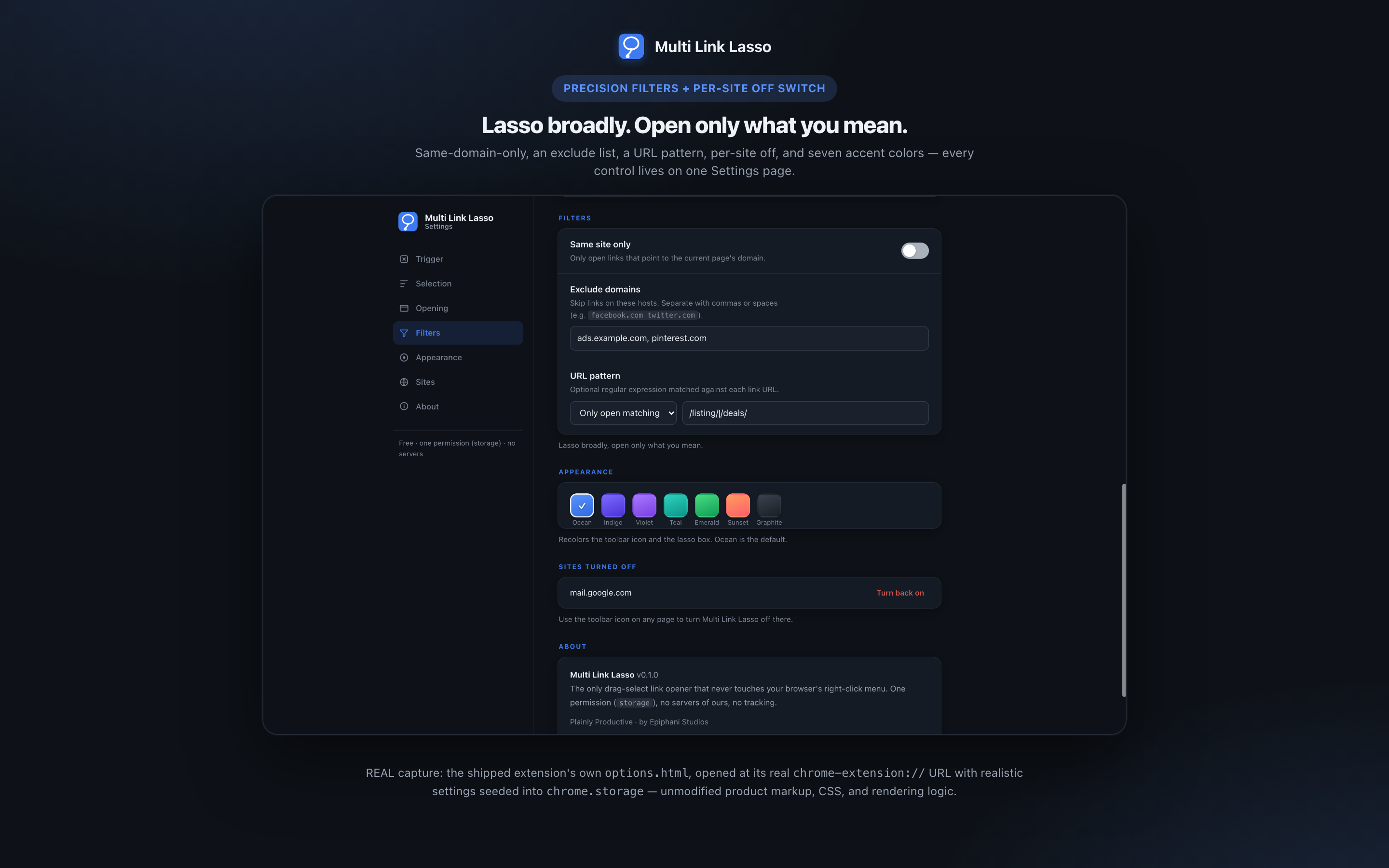
Opening a large batch in the same second is the kind of burst some sites' rate limiting is built to catch, and it is a real risk on sites that police it. The stagger setting puts a delay you choose between opens so the batch arrives more gradually, though it reduces the risk rather than eliminating it. On a site you know watches for bursts, use it by default and keep the batches small.
What is free, and what costs money?
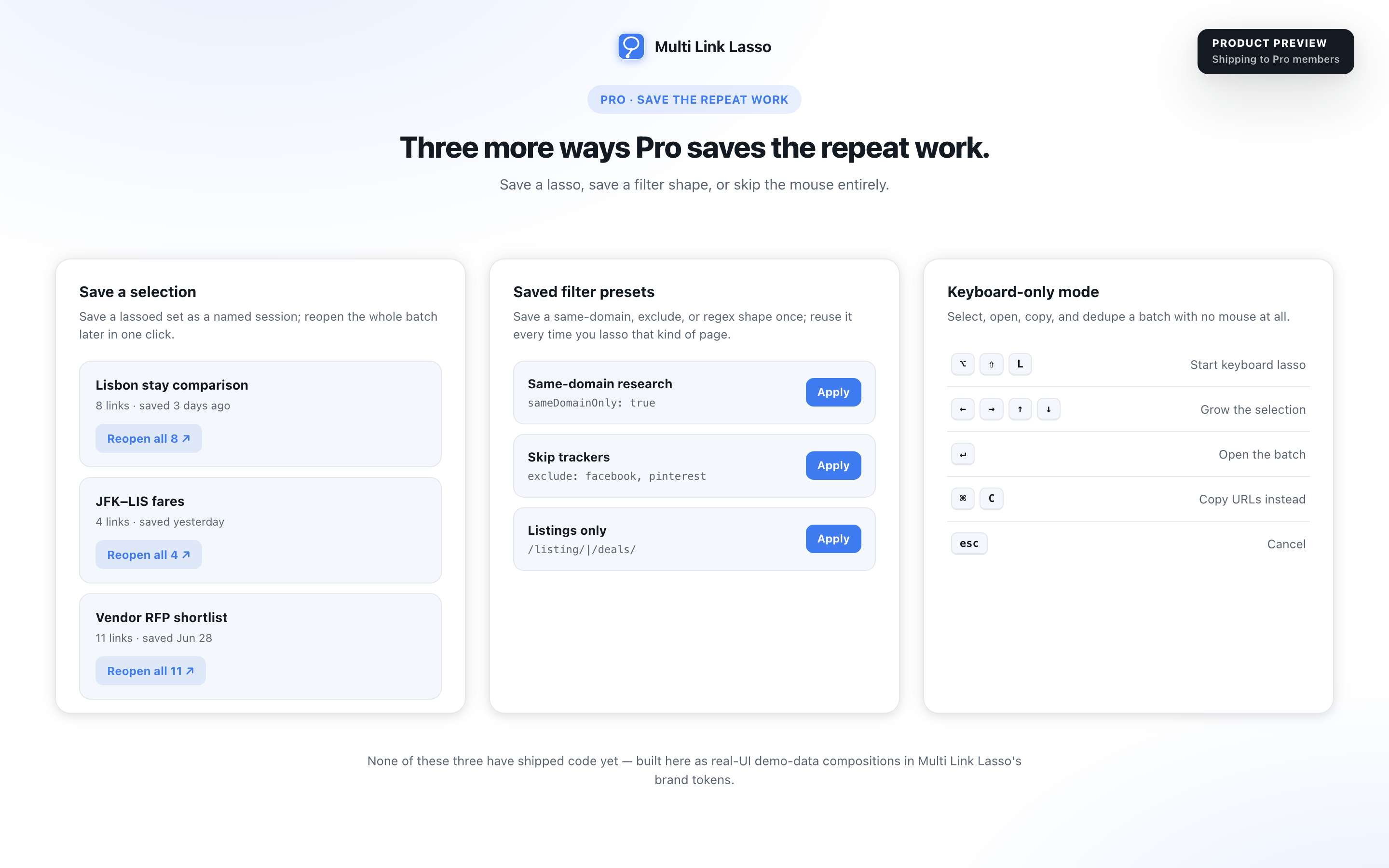
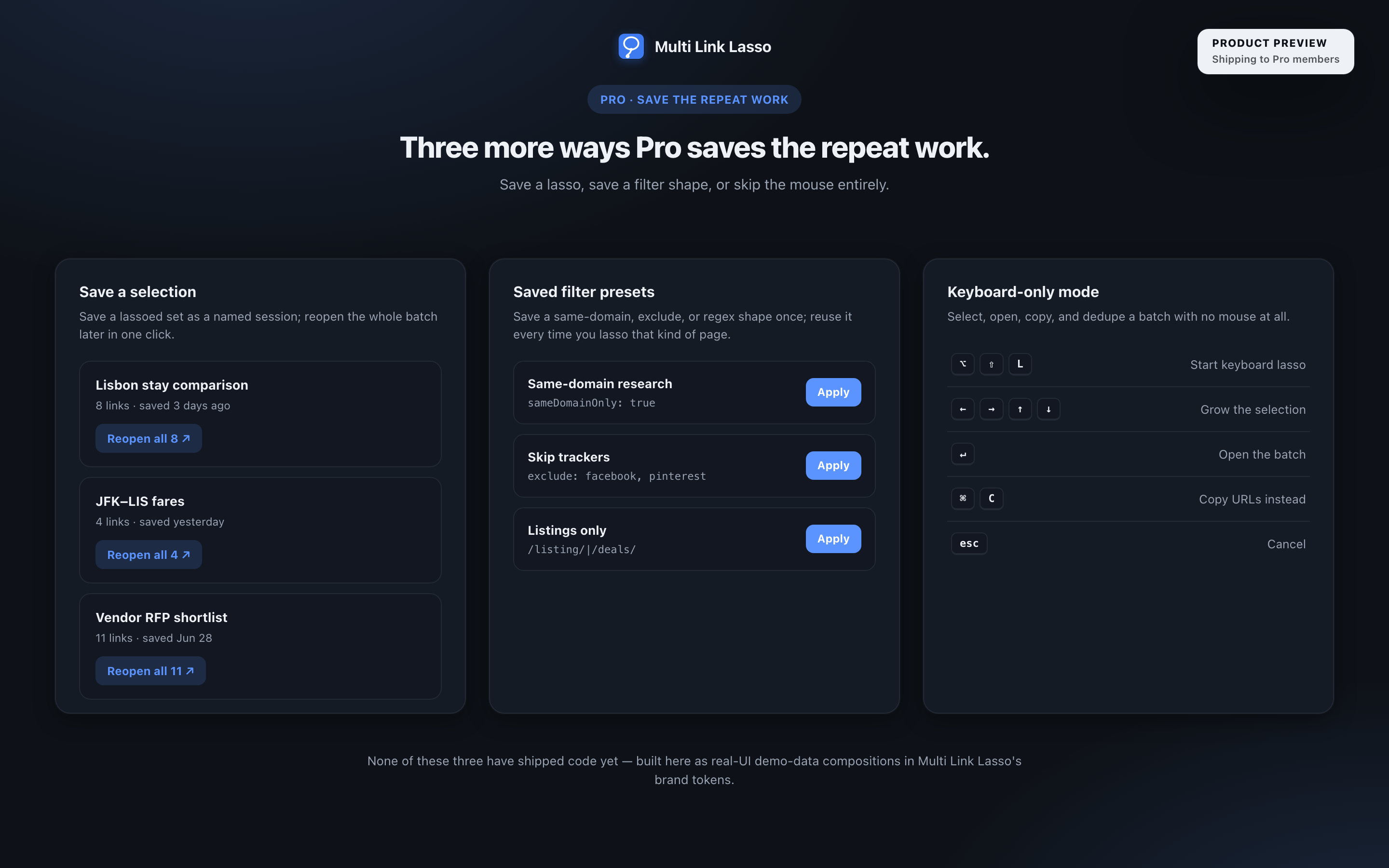
Seven capabilities are free forever: the Alt-drag lasso, smart dedupe with redirect unwrapping, the filters, background opening with position and stagger and reverse order, the per-site off switch, one-tap undo, and plain-text copy. Pro is $9.99 paid once, never a subscription, and it covers native tab groups, save-a-selection, saved filter presets, and keyboard-only mode. Nothing that is free today will ever move behind Pro.
How do I install it today?
Download the package, open the Chrome extensions page, turn on developer mode, and load it unpacked. It runs on Chrome and on Edge.